

Where to Interact With Rootly AI
Rootly AI works the same way in every supported chat tool. Mention@Rootly in an incident channel to run the incident where the whole team can see it, or ask outside the incident channel for questions and on-call lookups. Changes to an existing incident happen only in that incident’s channel.
Where you open Rootly AI depends on your platform:
In Slack
Incident channels, the Slack assistant pane, and DMs.
In Microsoft Teams
Incident channels, team channels, and chats.
Interacting With Rootly AI
While Rootly AI works, a status indicator shows what it’s doing, for example “Checking who’s on call”. Replies include the answer and a confirmation of any action taken.Giving Feedback
In Slack, rate replies with 👍 / 👎. Feedback flows into Rootly’s evaluation pipeline and does not directly fine-tune the model.Providing Clarifications
If something is ambiguous or required data is missing, Rootly AI asks rather than guesses.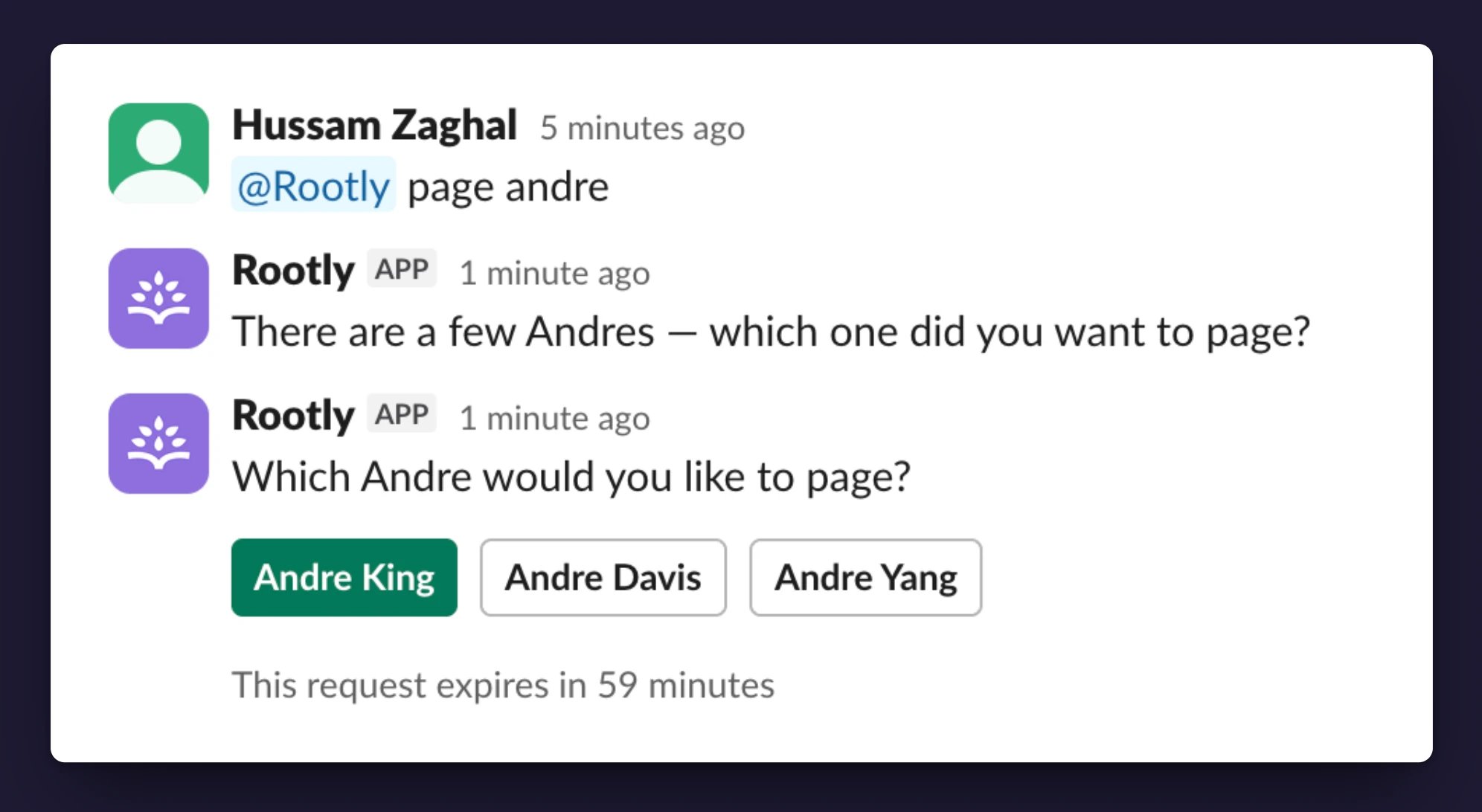
Using Clarification Cards
Based on how much input Rootly AI needs, you’ll be able to reply via:
Cards expire after 60 minutes. Re-ask your question to get a fresh card.
Taking Action With Rootly AI
Ask for an action and Rootly AI runs it, confirming what it did in its reply. When an action is destructive, or Rootly AI wants your sign-off first, it posts the change as a card with a Confirm button and runs only after you approve.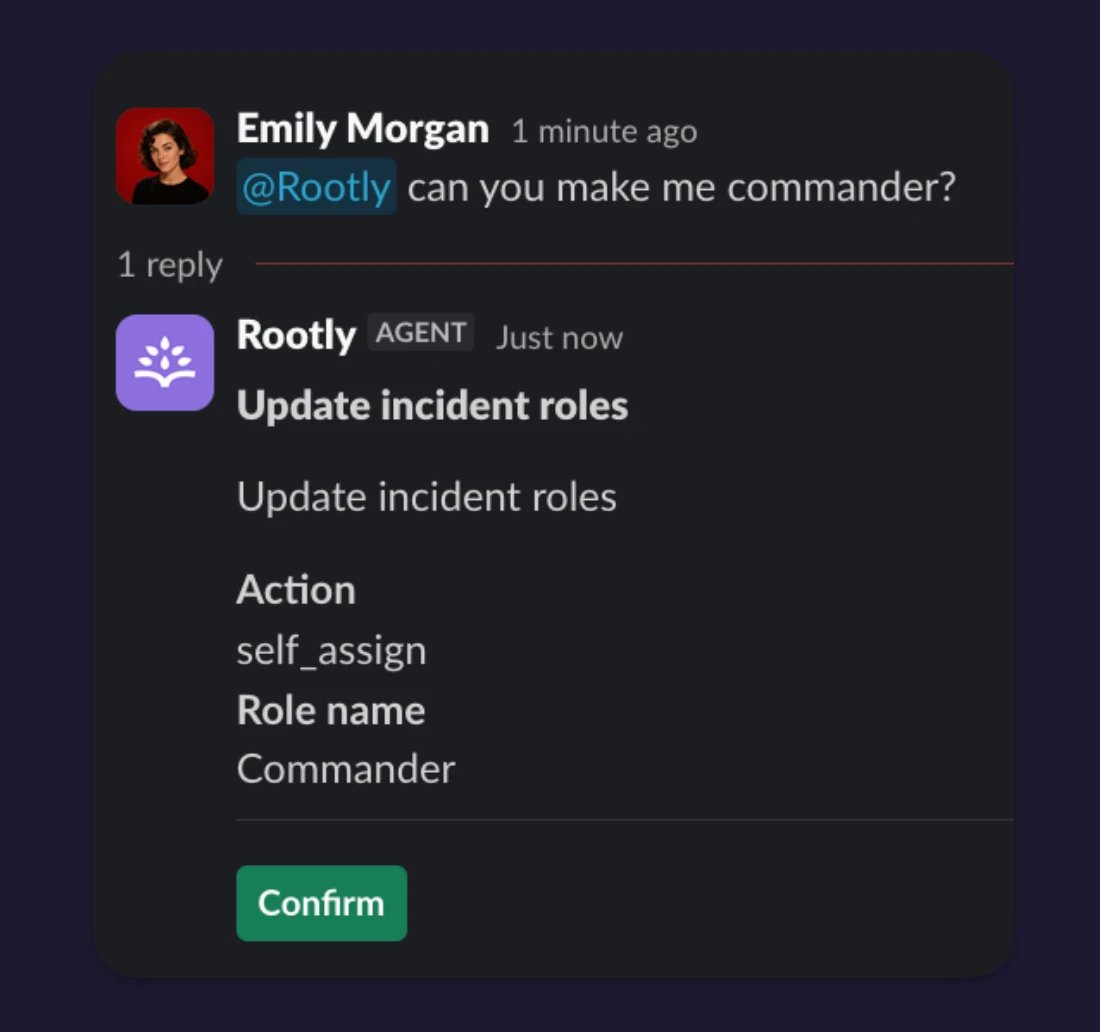
Worked Example: Paging an On-Call Team
This shows the clarification flow in action:- Type
@Rootly page the teamin the incident channel. - Rootly AI searches your Rootly catalog for the team to page.
- If multiple teams match, Rootly AI posts a clarification card:
"Which team do you want to page?"with a dropdown. You pick one and click Confirm.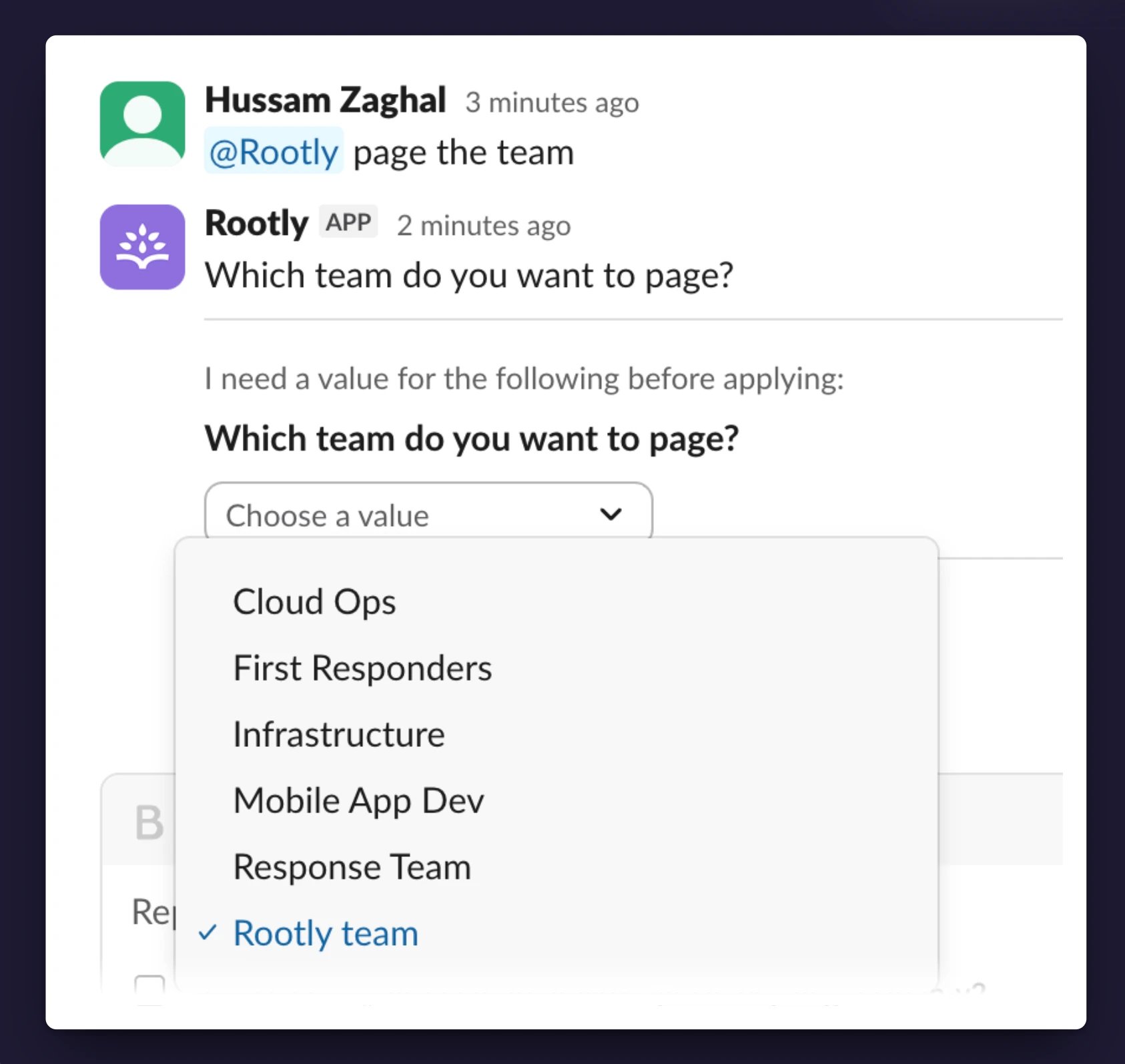
- Rootly AI pages via Rootly On-Call to the team’s current on-call, using their configured notification preferences. Rootly AI replies:
"Page request submitted to Rootly On-Call for the Rootly team."The audit trail attributes the page to you, not to Rootly AI. - If you don’t have permission to page in Rootly, Rootly AI tells you so and stops.
Related Pages
AI Agent in Communication Channels
What Rootly AI is and everything it can do.
What to Use Rootly AI For
The full catalog of prompts, grouped by use case.
Troubleshooting
Common symptoms and how to resolve them.