

What Comes Over
- Page settings
- Components, mapped into Rootly groups
- Subscribers, imported silently
- Incident history
Before You Begin
You need a Statuspage.io API key.Import Your Pages
- Go to Status Pages → Import from Atlassian.
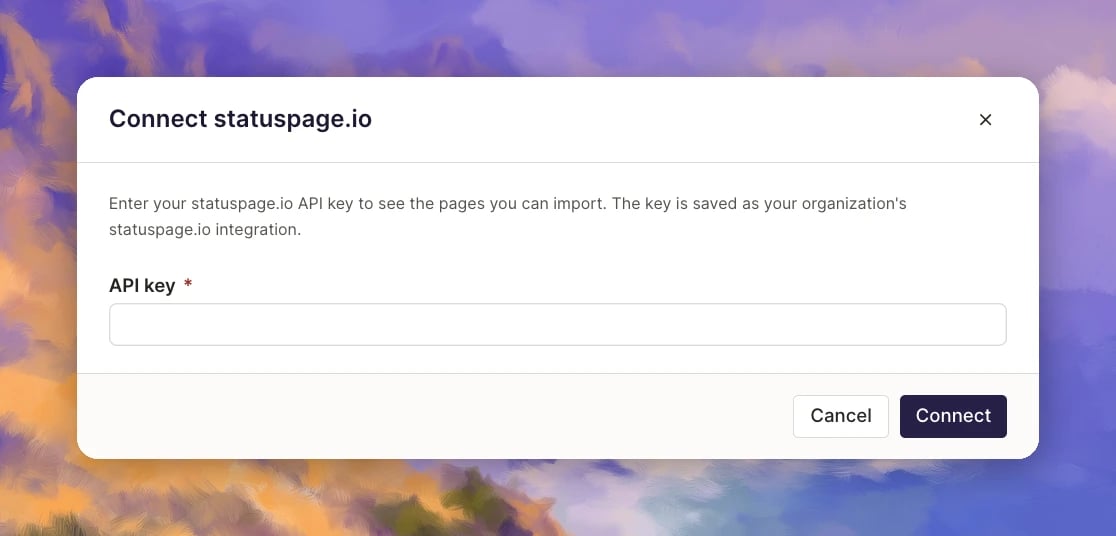
- In Connect statuspage.io, paste your API key and click Connect. Rootly saves the key as your organization’s Statuspage.io integration, so you only do this once.
- Select the pages to import.
- Review how components map into groups.
- Click Import.
Need help? If you run into any issues during the import, contact our team at support@rootly.com and we’ll help you get your pages moved over.
Status Pages
The umbrella concept — what public and private status pages are and when to use each.
Custom Domain Names
Point your own domain at a Rootly status page with CNAME + CAA records.
Components
Communicate the status business entity your customers care about with Components.