

Introduction
The Rollbar integration connects Rootly with your Rollbar error monitoring so teams can receive error events as alerts in Rootly and automate incident response from application exceptions and regressions. With the Rollbar integration, you can:- Ingest Rollbar error events as Rootly alerts
- Automatically resolve Rootly alerts when Rollbar sends a
resolved_itemevent - Use alert workflows to create incidents when error thresholds are exceeded
- Filter and route alerts by environment, error level, and project
Before You Begin
Before setting up the integration, make sure you have:- A Rootly account with permission to manage integrations
- Admin access to your Rollbar project settings
- The webhook URL and secret from your Rootly Rollbar integration page
You can find your webhook URL and secret by navigating to Integrations > Rollbar > Configure in Rootly.
Installation
Open the Rollbar integration in Rootly
Navigate to the integrations page in Rootly and select Rollbar. Copy the webhook URL and secret shown in the configuration modal.
Open Rollbar notification settings
In Rollbar, navigate to your project notification settings: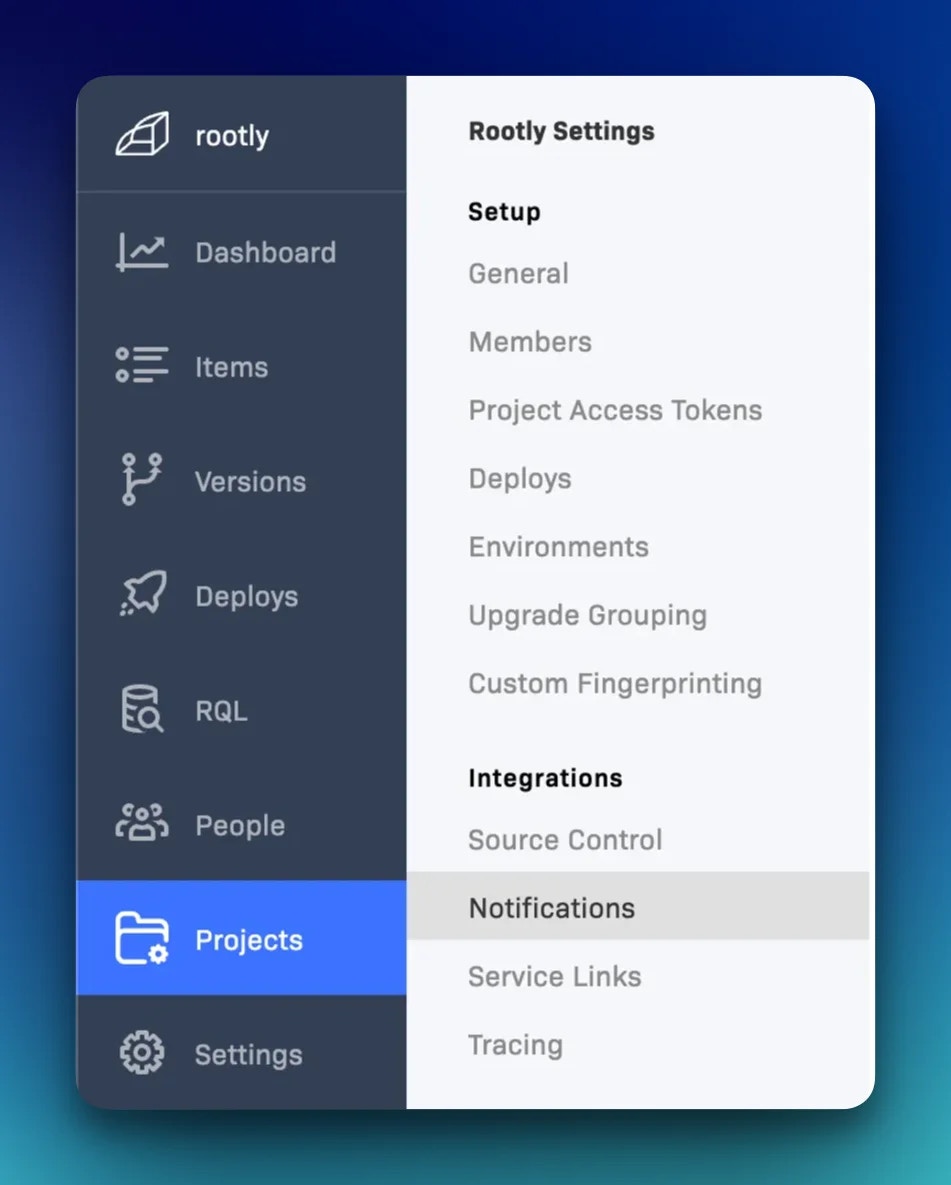
Add a Webhook notification
Select Webhook from the list of notification channels.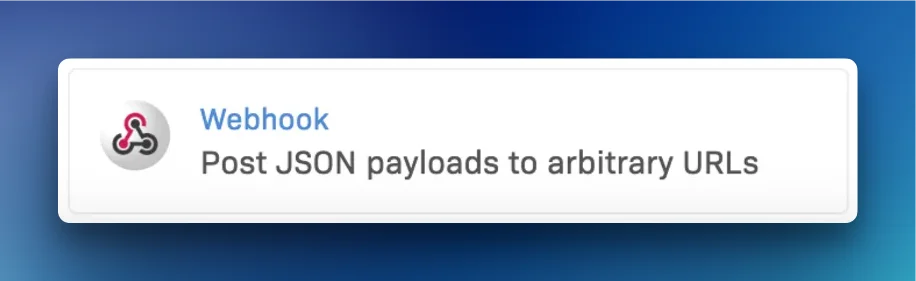
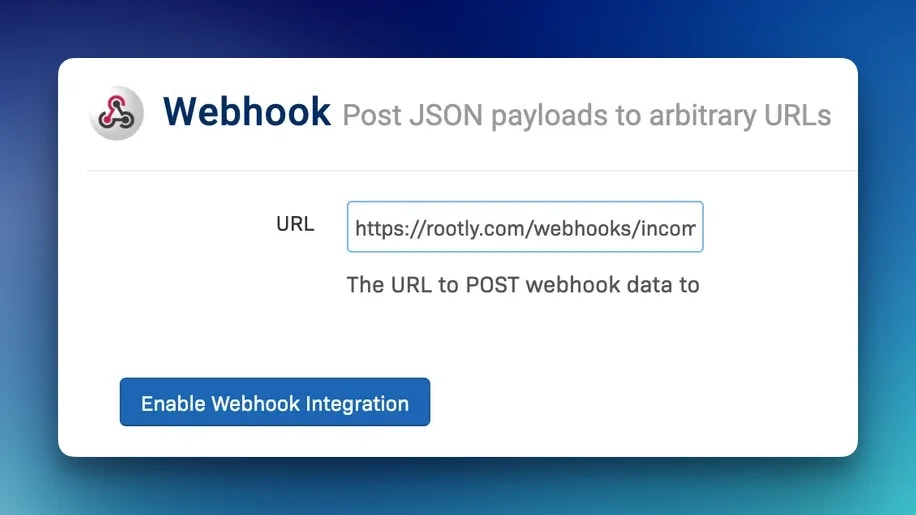
Configure the webhook URL
Enter the webhook URL from your Rootly Rollbar integration settings.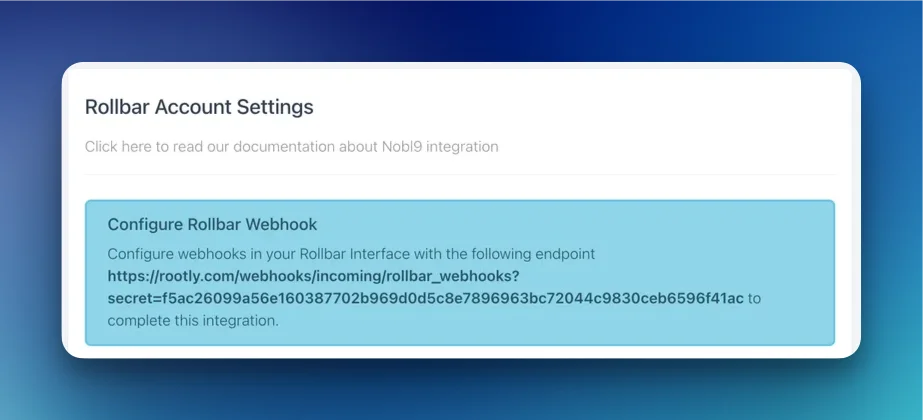
Enable notification rules
Select which Rollbar event types should be sent to Rootly. See the Supported Events section below for the full list of supported events.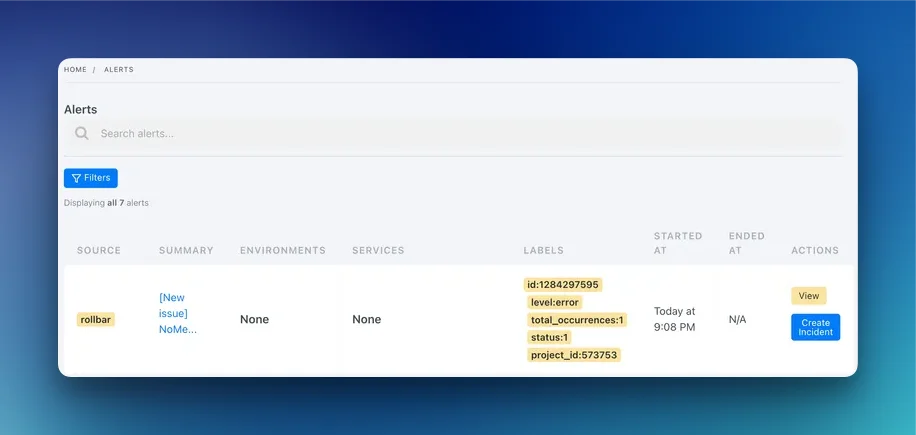
Supported Events
Rootly accepts the following Rollbar event types:When Rootly receives a
resolved_item event, the corresponding Rootly alert is automatically resolved. All other supported events create or update an alert in the open state.How Alerts Are Mapped
Rootly extracts the following fields from each Rollbar event:- Summary — prefixed with
[New issue]followed by the issue title - External ID — the Rollbar item
id, used to deduplicate and match resolve events - Labels —
level,environment,type,status,total_occurrences, andproject_idare attached as Rootly alert labels
Rollbar
environment and level values are available as alert labels in Rootly. Use them in workflow run conditions to route production critical errors differently from development warnings.Troubleshooting
Rollbar events are not appearing in Rootly
Rollbar events are not appearing in Rootly
Confirm the webhook URL in Rollbar matches the one shown in your Rootly integration settings. Verify that at least one notification rule is enabled and that the rule conditions are being met by your Rollbar events.
Alerts are not resolving when an issue is resolved in Rollbar
Alerts are not resolving when an issue is resolved in Rollbar
Ensure the
resolved_item notification rule is enabled in Rollbar. Rootly only resolves alerts when it receives this specific event type. Manual resolutions in Rollbar that do not trigger the webhook will not resolve the corresponding Rootly alert.Deploy events are creating unexpected behavior
Deploy events are creating unexpected behavior
Rootly does not process
deploy events. If deploy notifications are enabled in Rollbar, those events will be received but ignored by Rootly. Disable the deploy notification rule in Rollbar to avoid unnecessary webhook traffic.Test events are not appearing in Rootly
Test events are not appearing in Rootly
Rollbar
test events are supported and should create a test alert in Rootly. If the test event is not appearing, verify the webhook URL and check that the integration is active in Rootly.