

Introduction
The Shortcut integration connects Rootly with your Shortcut workspace so teams can automatically create and update stories through Genius workflows. Stories can be assigned to projects, epics, groups, owners, and workflow states — all driven by incident data. With the Shortcut integration, you can:- Automatically create Shortcut stories when incidents are declared or reach a certain state
- Create tasks within a Shortcut story to track action items
- Update story title, description, archivation status, and owner as incidents evolve
- Assign stories to epics, groups, and workflow states
Before You Begin
Before setting up the integration, make sure you have:- A Rootly account with admin permission to manage integrations
- A Shortcut account with access to the workspace you want to use
- A Shortcut API token
To generate a Shortcut API token, go to your Shortcut profile settings at Settings > API Tokens > Generate Token.
Rootly recommends installing with a dedicated Shortcut service account so the integration does not break if an individual user leaves your organization.
Installation
Open the Shortcut integration in Rootly
Navigate to the integrations page in Rootly and select Shortcut.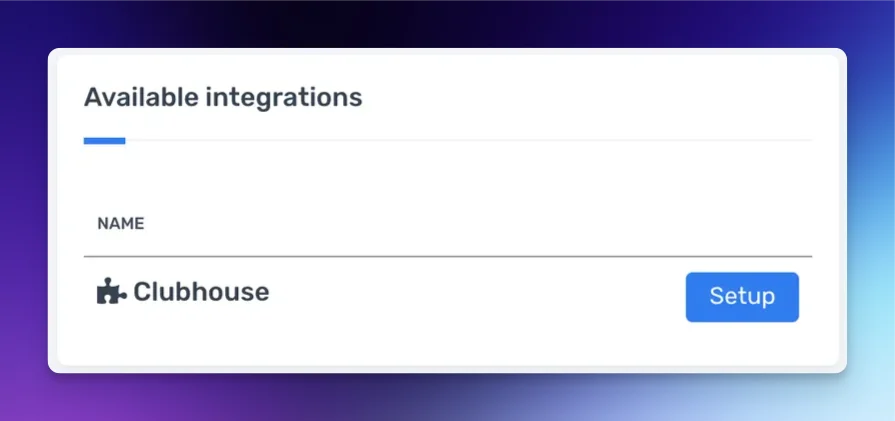
Enter your Shortcut API token
Paste your Shortcut API token into the API Key field and select Connect.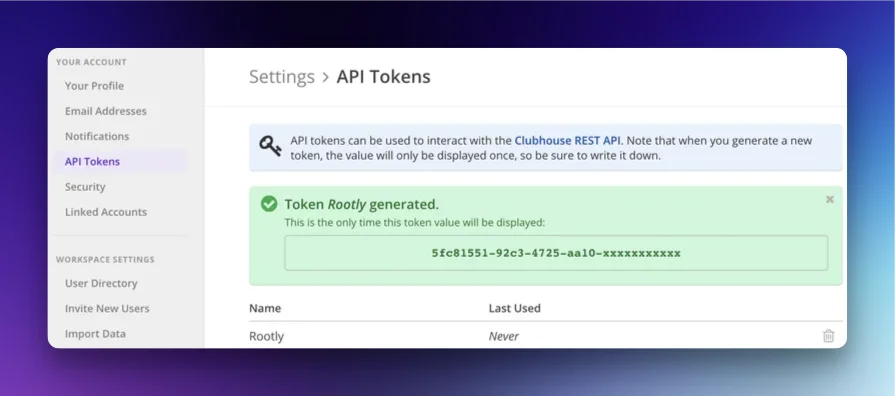
After installation, the Create a Shortcut Story, Create a Shortcut Task, Update a Shortcut Story, and Update a Shortcut Task workflow actions are available in your Genius workflows.
Workflow Actions
Create a Shortcut Story
This action creates a new story in Shortcut.Create a Shortcut Task
This action creates a task within an existing Shortcut story.When a Create a Shortcut Story action runs, Rootly stores the resulting story ID on the incident record. Reference it in subsequent task actions using Liquid variables.
Update a Shortcut Story
This action updates an existing Shortcut story.Update a Shortcut Task
This action updates an existing task within a Shortcut story.Troubleshooting
Stories are not being created
Stories are not being created
Confirm the API token is valid and belongs to a user with access to the target workspace. Re-entering the token in the integration settings will revalidate it. Also verify that either a Workflow State or Project is selected in the workflow action — one of these is required.
The workflow state or project is not appearing in the dropdown
The workflow state or project is not appearing in the dropdown
Shortcut loads available workflow states and projects from your authorized workspace. If your workspace has recently changed, try reconfiguring the workflow action to refresh the available options.